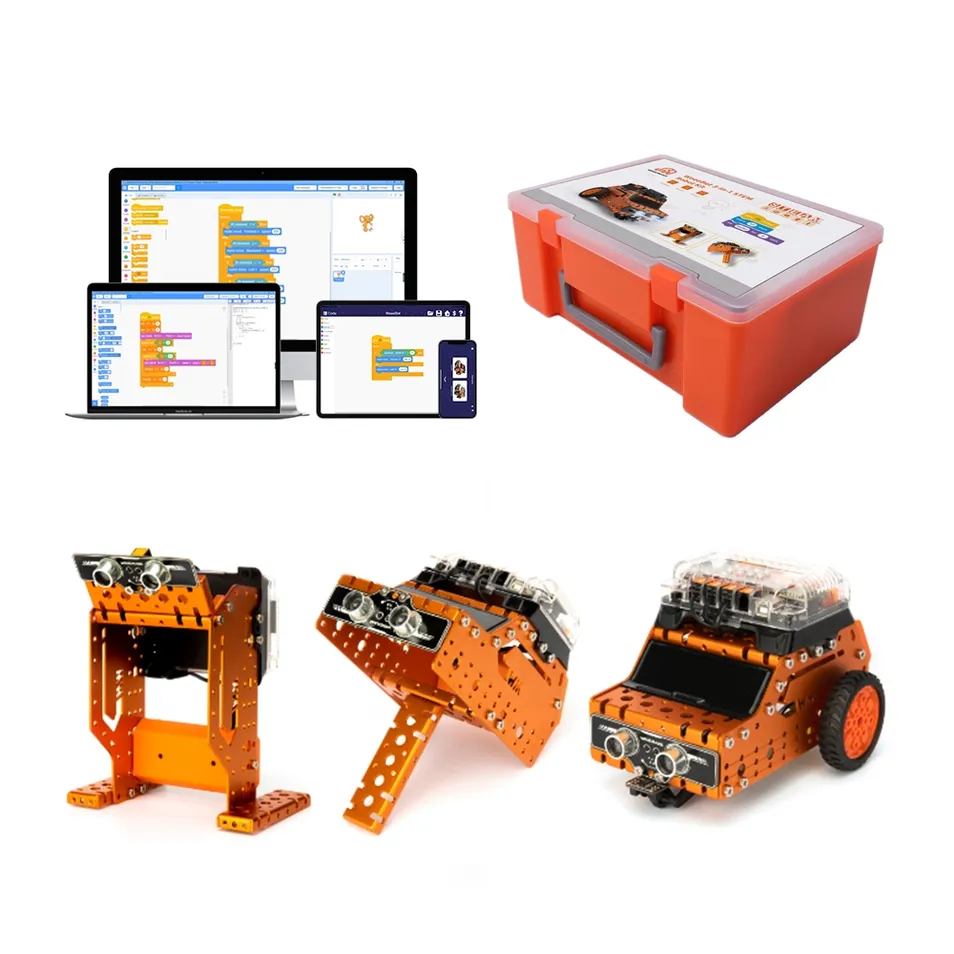
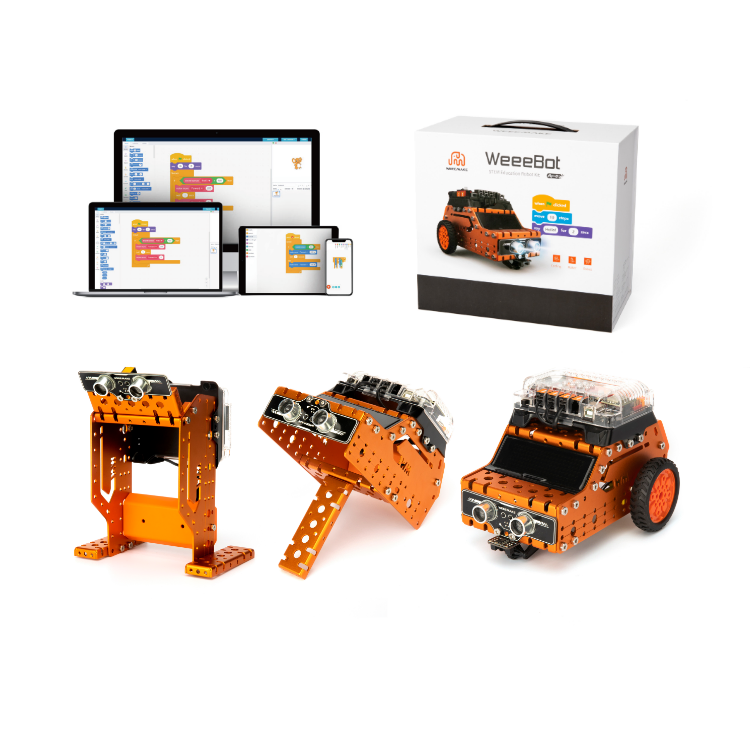
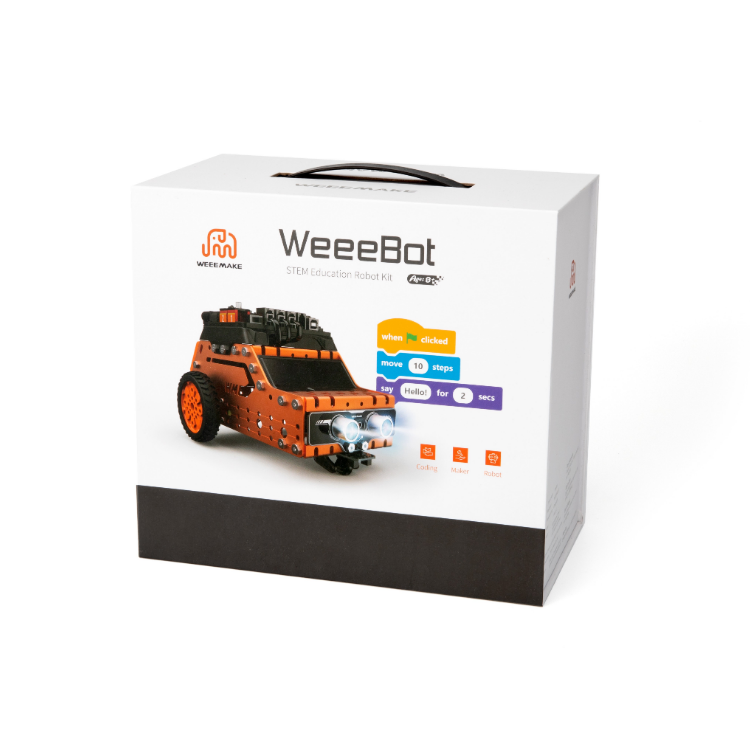
Weeebot 3-in-1 Stem Robot Kit Metal Remote Control Robot Dly Coding Programming Toy for Kids Education &Maker Boards

Still deciding? Get samples of $ !
Order Sample

Product Description

Basic Information
Model NO.
161002
Package
Gift Box
Application
Coding Education
Specification
26*19*11cm
Origin
Guangdong, China
HS Code
90230090
Package Size
26.00cm * 19.00cm * 11.00cm
Gross Weight
2.000kg
Lead Time
7 days (1 - 20 sets)
Capacity
10,000 pieces/Year
3-in-1 Stem Robot Kit
Product Description
Robot Kit Forms
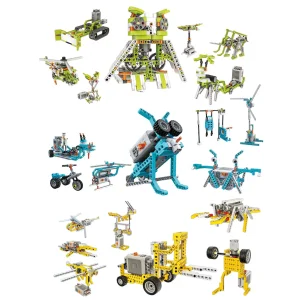
⚙️ 3-in-1 STEM Robot Kit

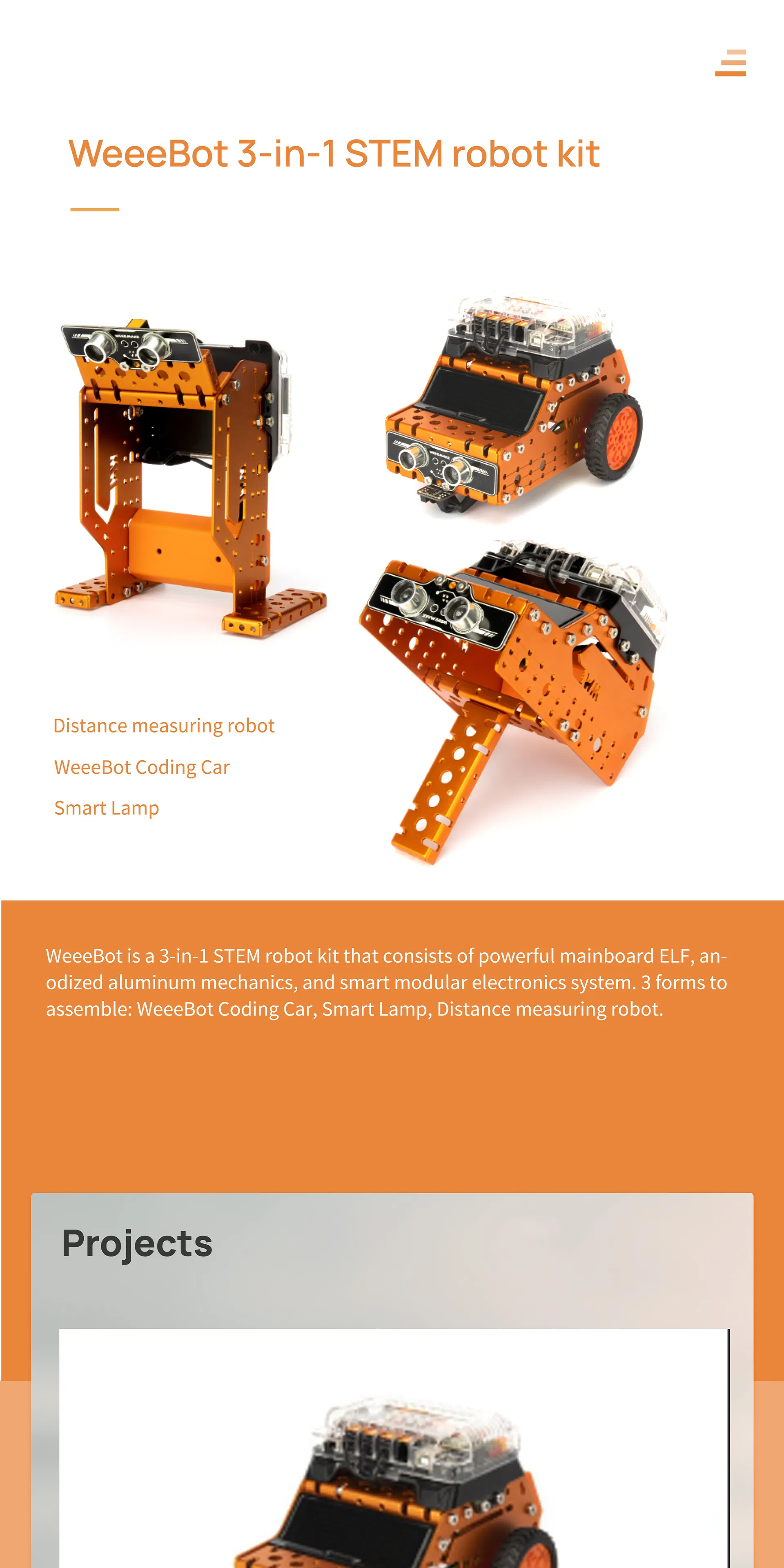
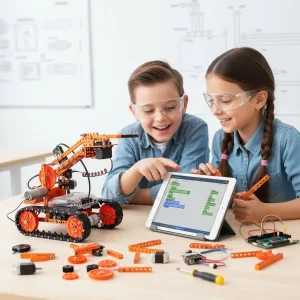
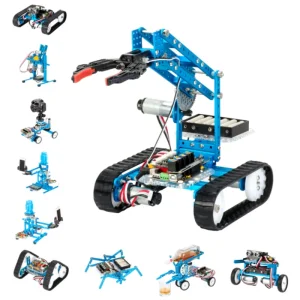
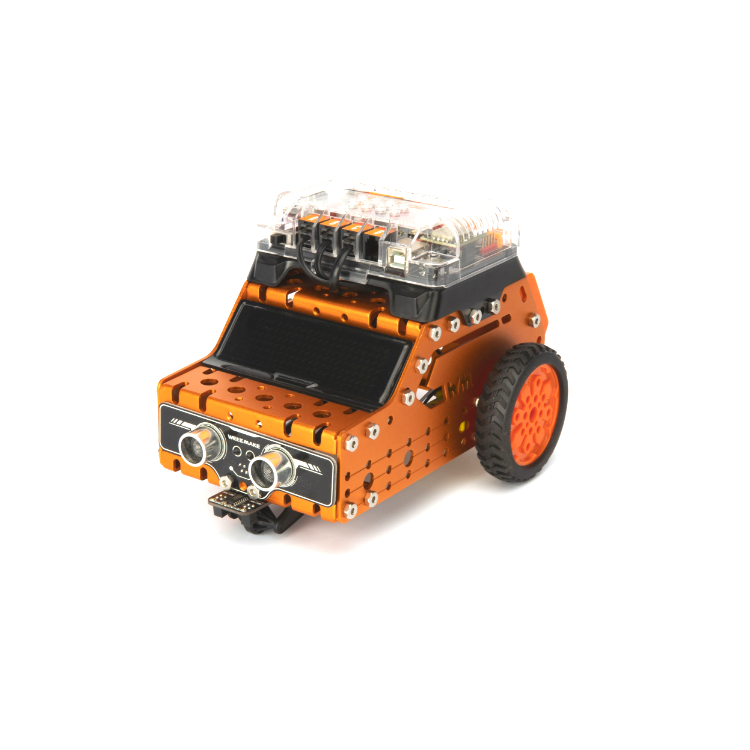
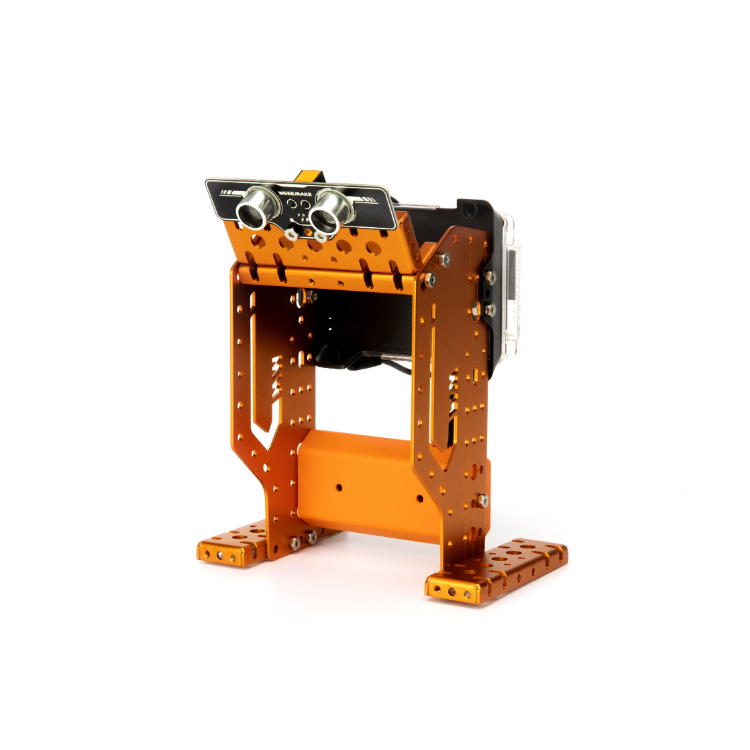
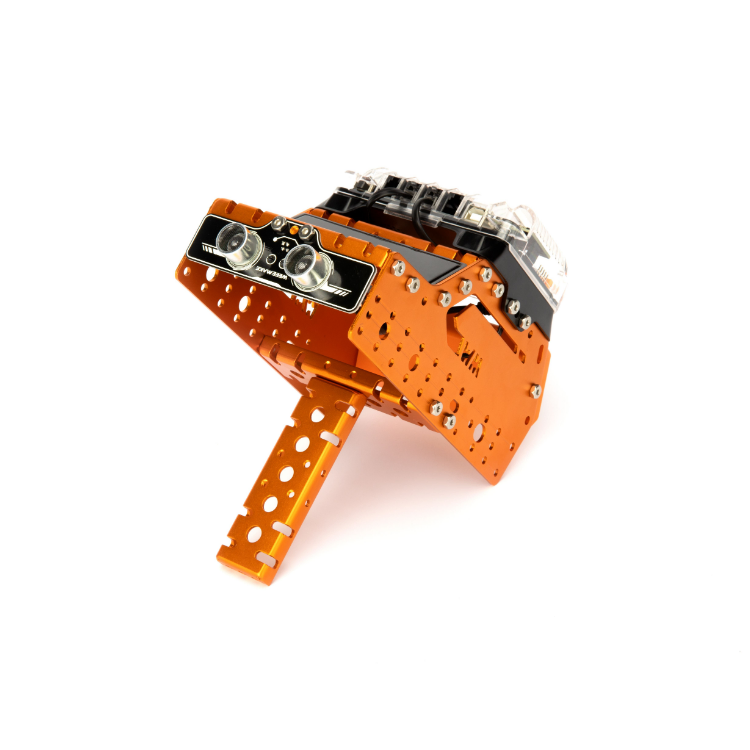
Consists of a powerful mainboard, anodized aluminum mechanics, and a smart modular electronics system. Features 3 assembly forms: Coding Car, Smart Lamp, and Distance Measuring Robot.

Designed as an entry-level STEAM education kit to provide hands-on coding and robotic experience for Math, Technology, and Computer Science courses.
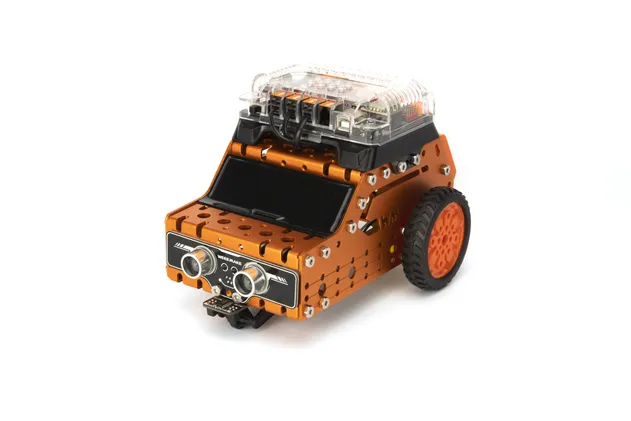
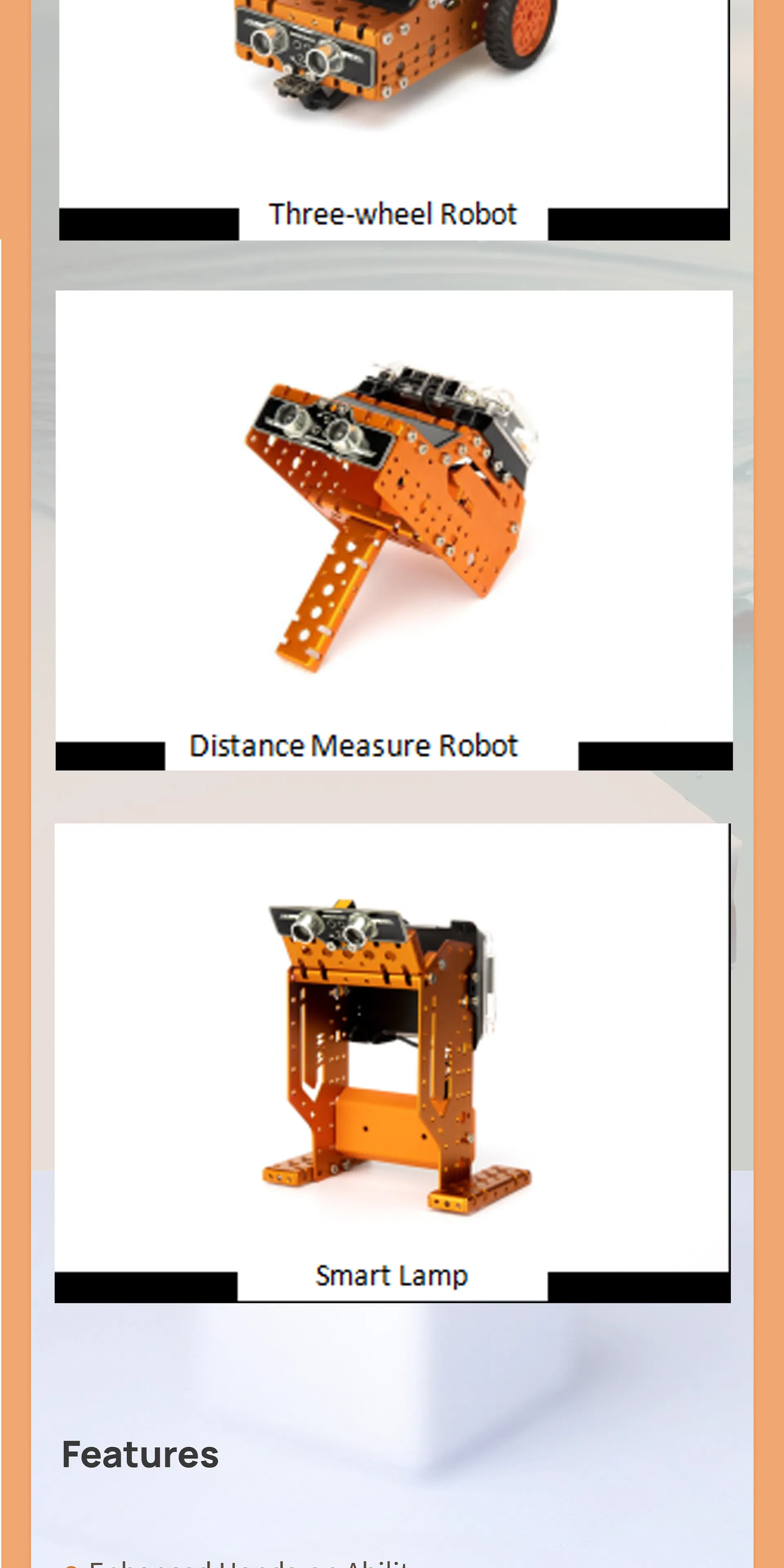
Three-wheel Robot Car
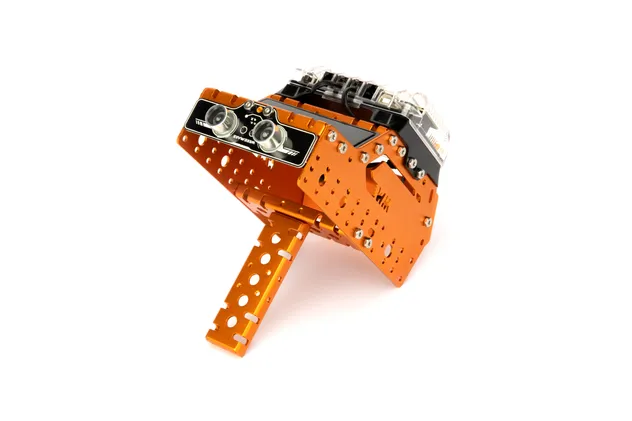
Three-wheel Robot Car

Distance Measure Robot
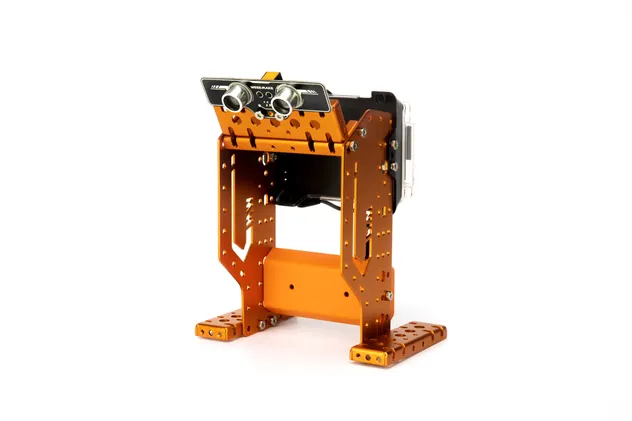
Distance Measure Robot

Smart Lamp

Smart Lamp

🧠 Enhanced Hands-on Ability

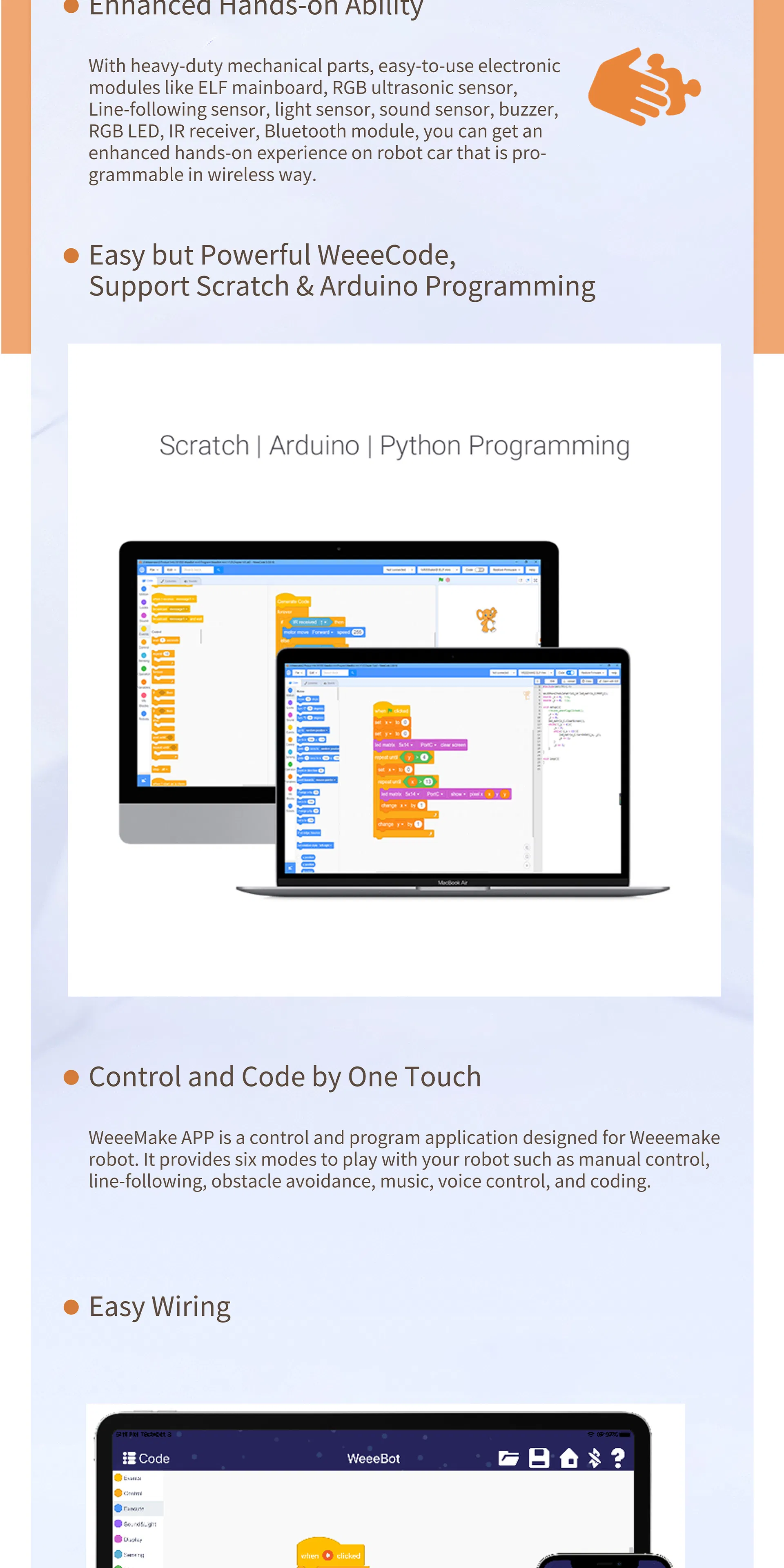
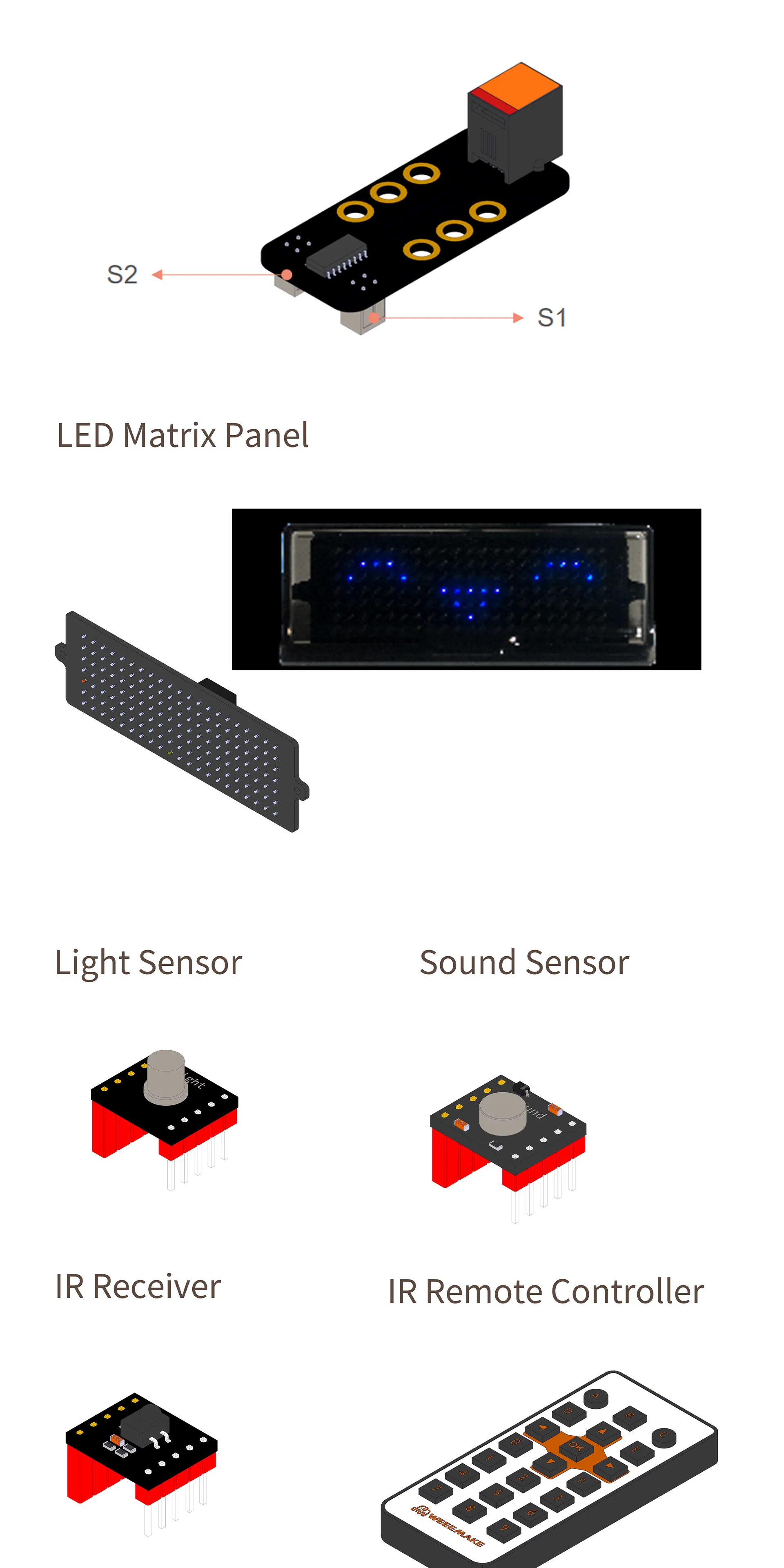
Utilizes heavy-duty mechanical parts and easy-to-use electronic modules including RGB ultrasonic sensors, line-following sensors, light/sound sensors, and Bluetooth modules for wireless programming.

💻 Scratch & Arduino Support

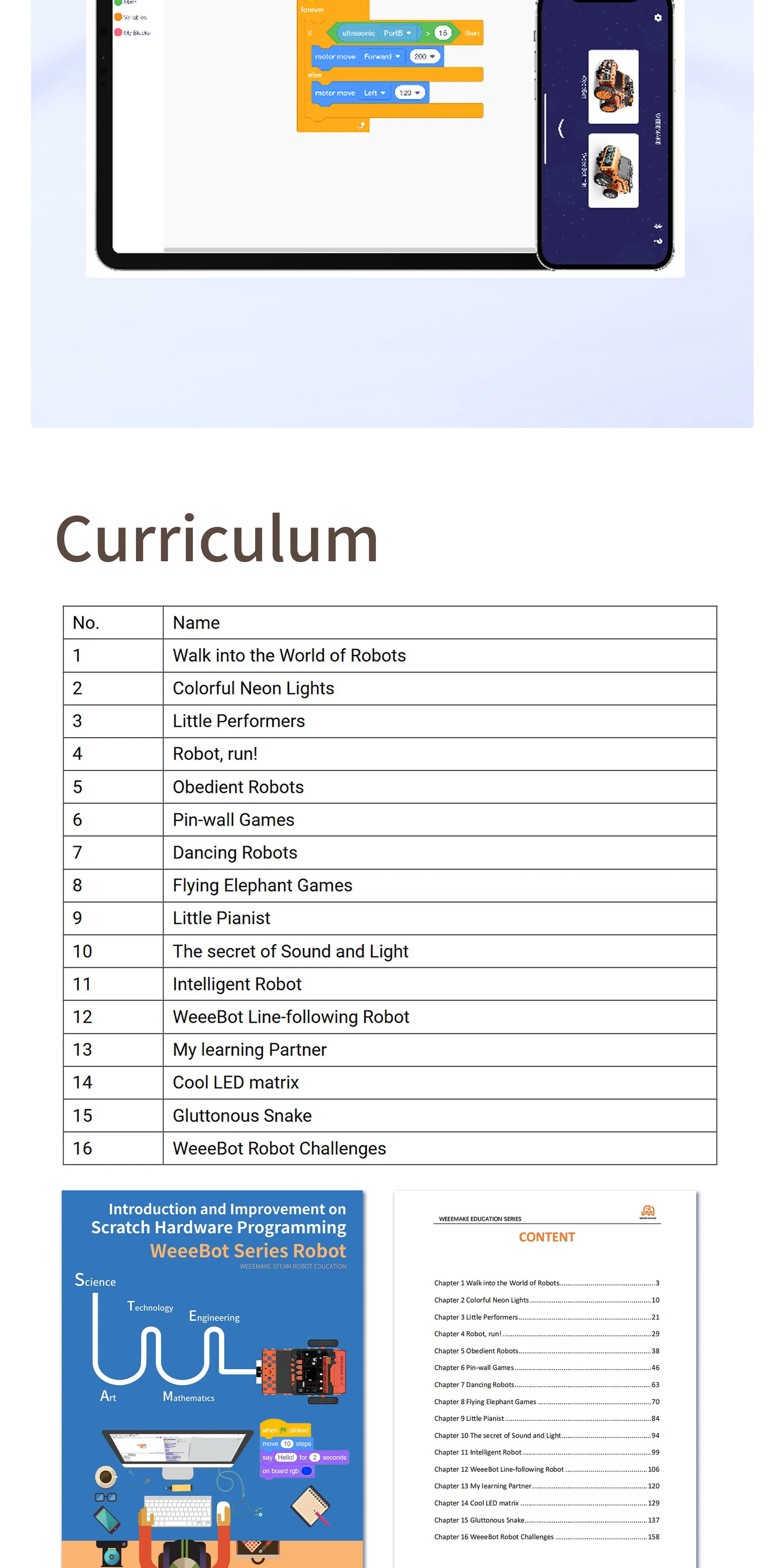
Fully compatible with graphical programming based on Scratch 3.0. Projects are created by simply dragging and dropping blocks. Also supports Arduino IDE for advanced micro-controller programming.

📱 One-Touch Control

Features multiple modes: manual control, line-following, obstacle avoidance, music, voice control, and coding via mobile application.
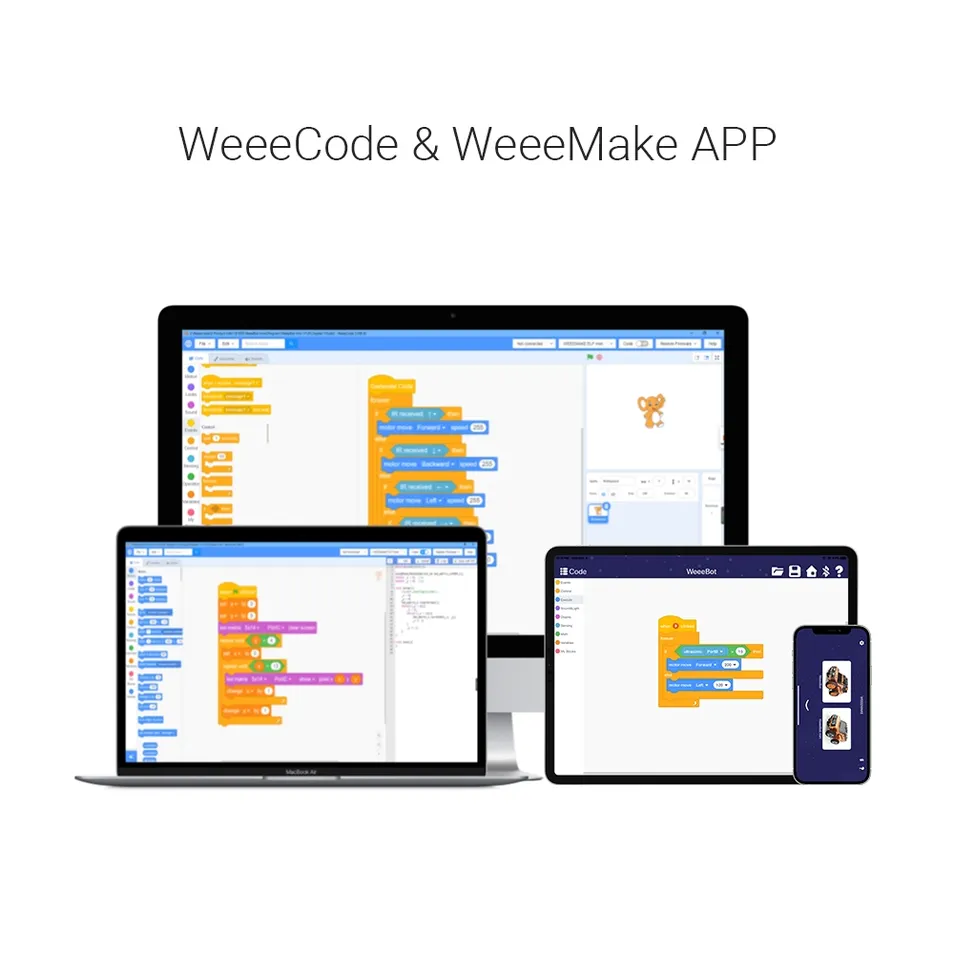
Programming Interface
Specification
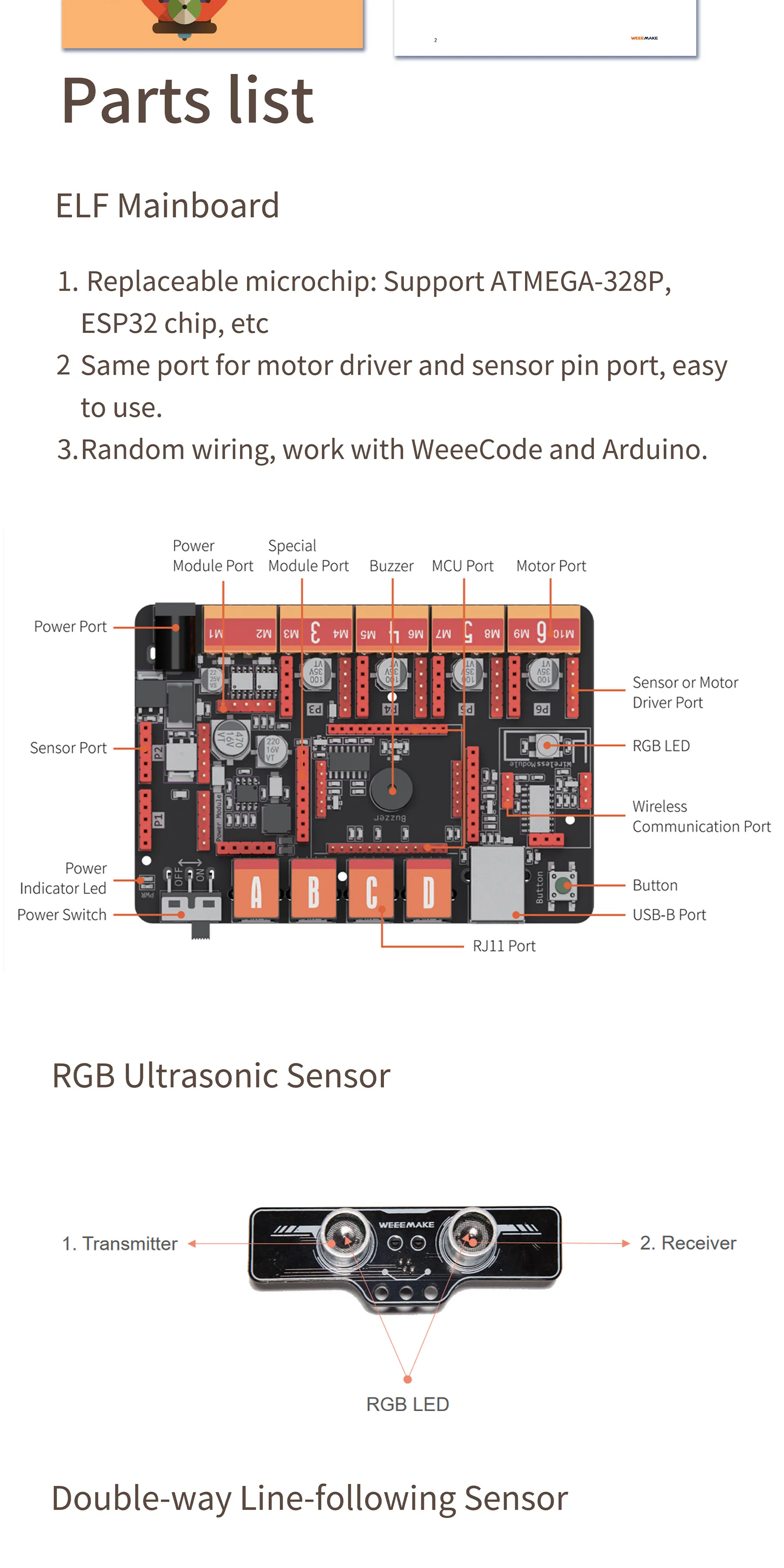
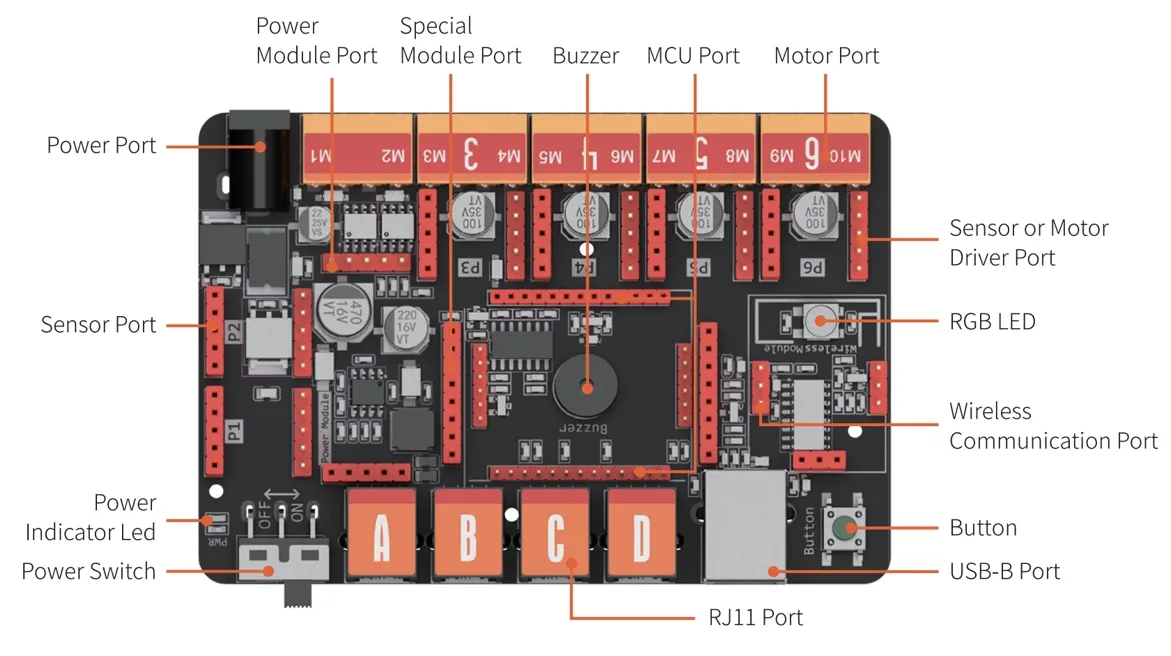
Mainboard Details
Operation Voltage6-12V
MCU Ports1x MCU port (ATmega 328p or ESP32)
Connectivity4x RJ11 ports, 2x DC motor ports, 1x USB (Type B)
CommunicationWireless Communication port (Bluetooth 2.4G)
Onboard Electronics1x Buzzer, 1x Button, 1x RGB LED
Software SupportScratch 3.0, Arduino IDE
Product Details
Part Detail 1
Part Detail 2
Part Detail 3
Part Detail 4
Part Detail 5
Part Detail 6
Certifications & Exhibition
Certifications
Exhibition
Frequently Asked Questions
When I turn on the robot, there is no response, why?
1. Low voltage: please recharge or replace batteries. 2. Incorrect battery polarity (+/-). 3. Incorrect wiring on battery holder or motor.
How can I restore factory settings or program the robot?
Download the compatible software, connect the robot to PC via USB, select the correct COM port and mainboard type. Use "Restore Firmware" to resume factory settings.
Why can't I connect the robot via USB?
Your computer may lack the mainboard driver. Install the driver from the software's "Help" menu and restart the robot.
Why doesn't the robot move with only USB power?
USB power only supports the chip and sensors. To drive motors or servos, please connect batteries and switch on the power button.
Why doesn't the Line-following Sensor work?
Ensure the distance to the map is 1-2cm. Avoid strong light interference and ensure the map material is non-reflective.
Do you offer customization (OEM/ODM)?
Yes, we offer customization services for various projects. Please contact our support team for detailed inquiries.

Related Products